Weather by city
Find a place by its region or country, then read Celsius and Fahrenheit from the same weather data.
In development for iOS & Android
Weather, everyday conversions, and world clocks. Together in one calm place.
See the preview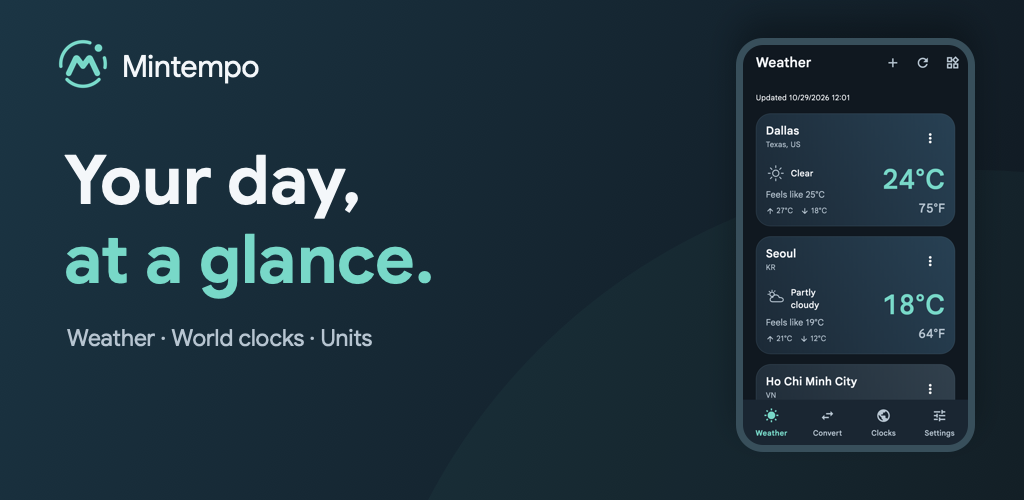
A closer look
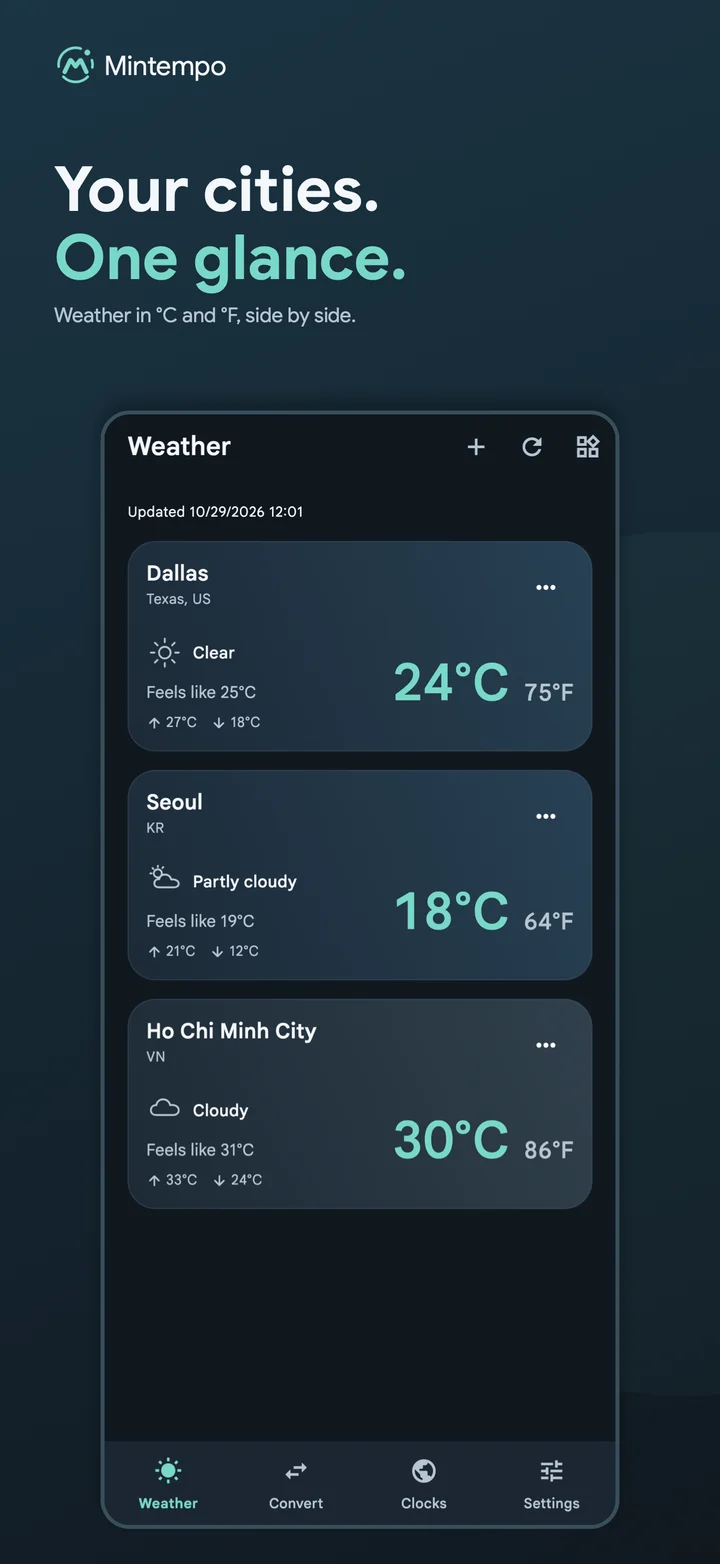
See each saved city with °C and °F together.
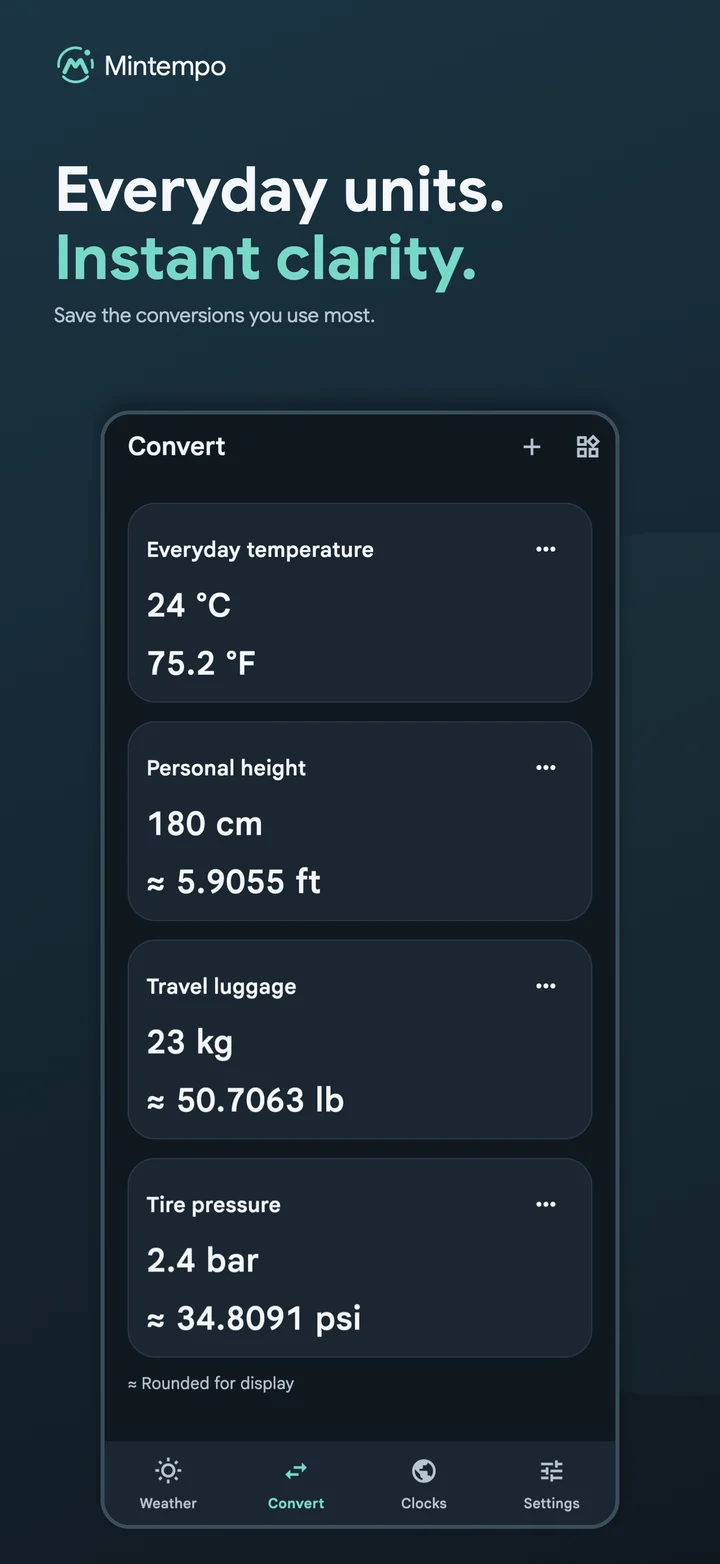
Keep the everyday conversions you use close at hand.
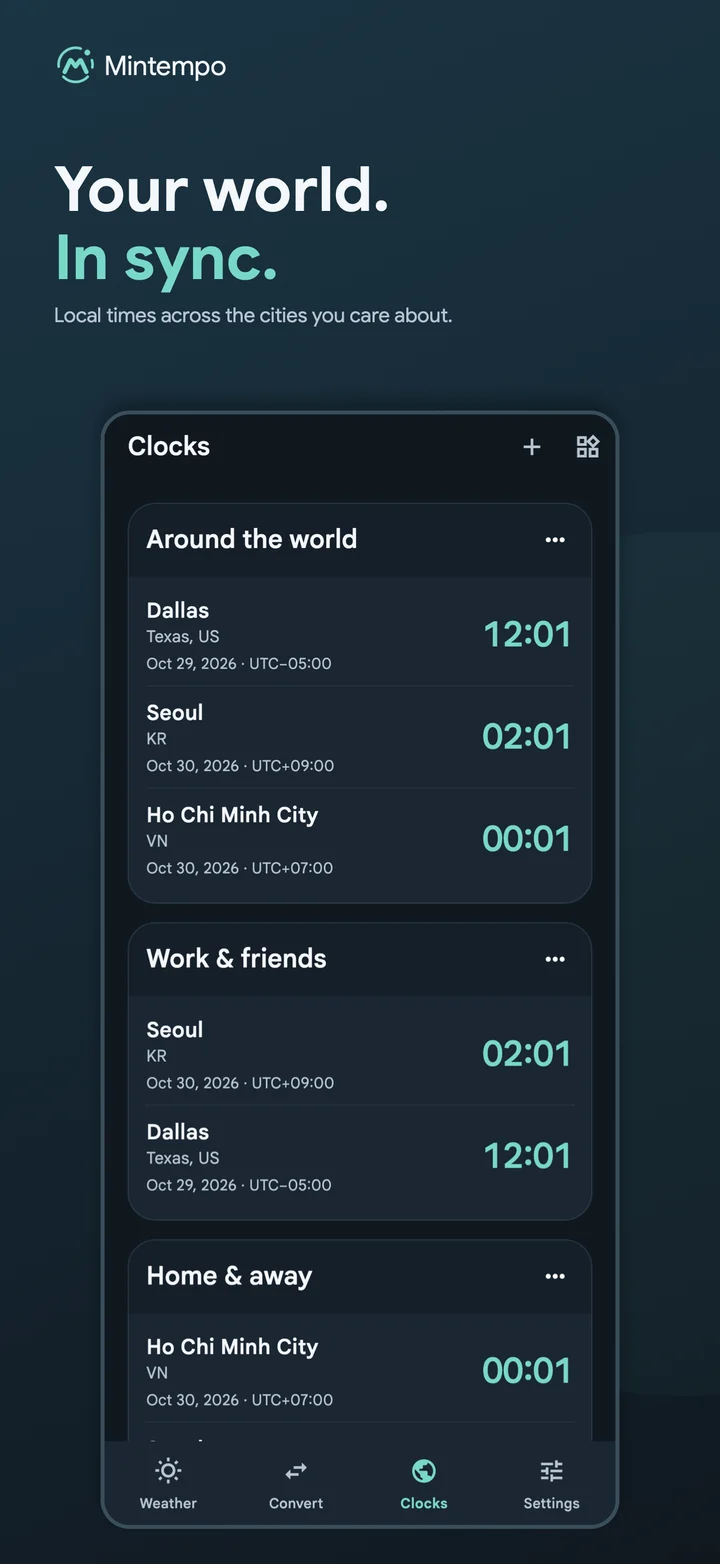
Compare local time across the cities that matter to you.
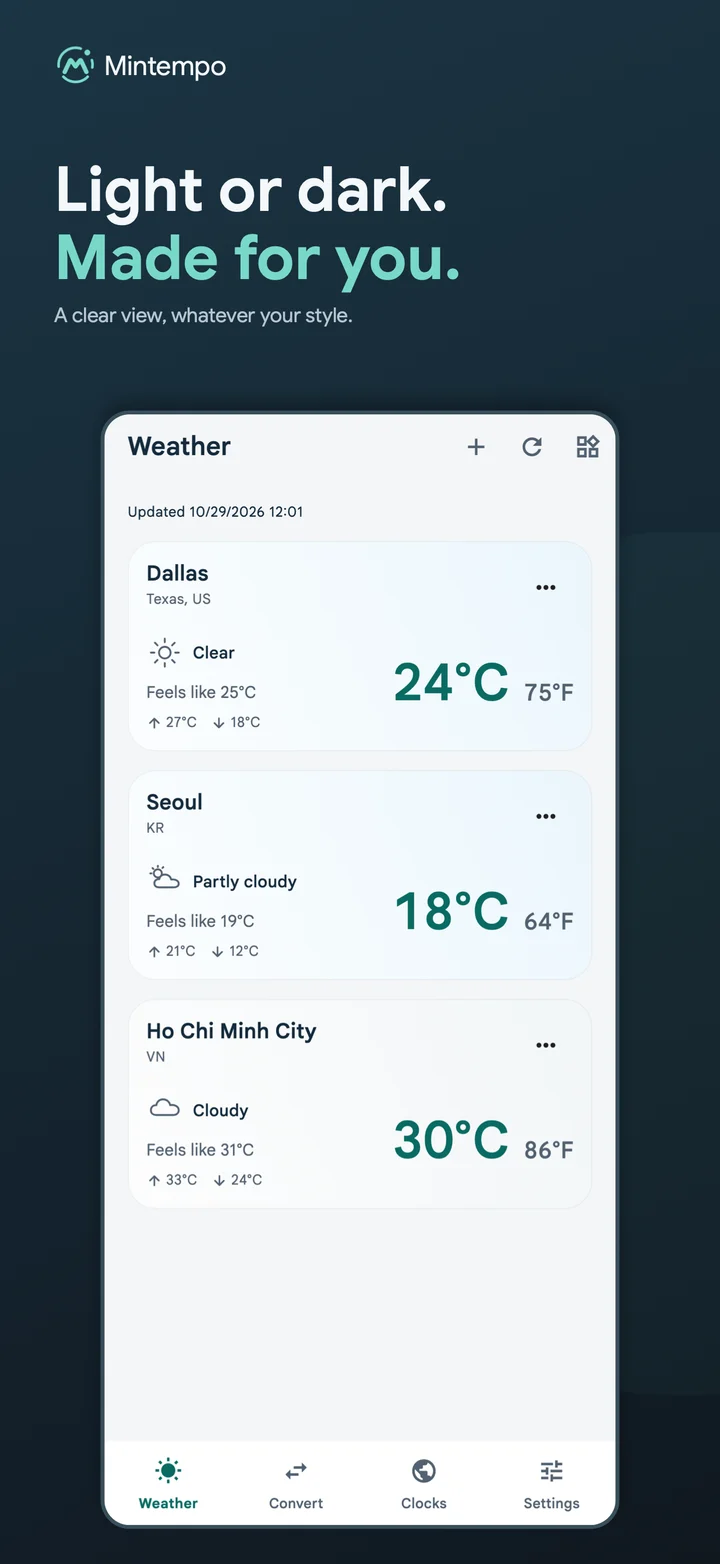
Choose light, dark, or the appearance your device already uses.
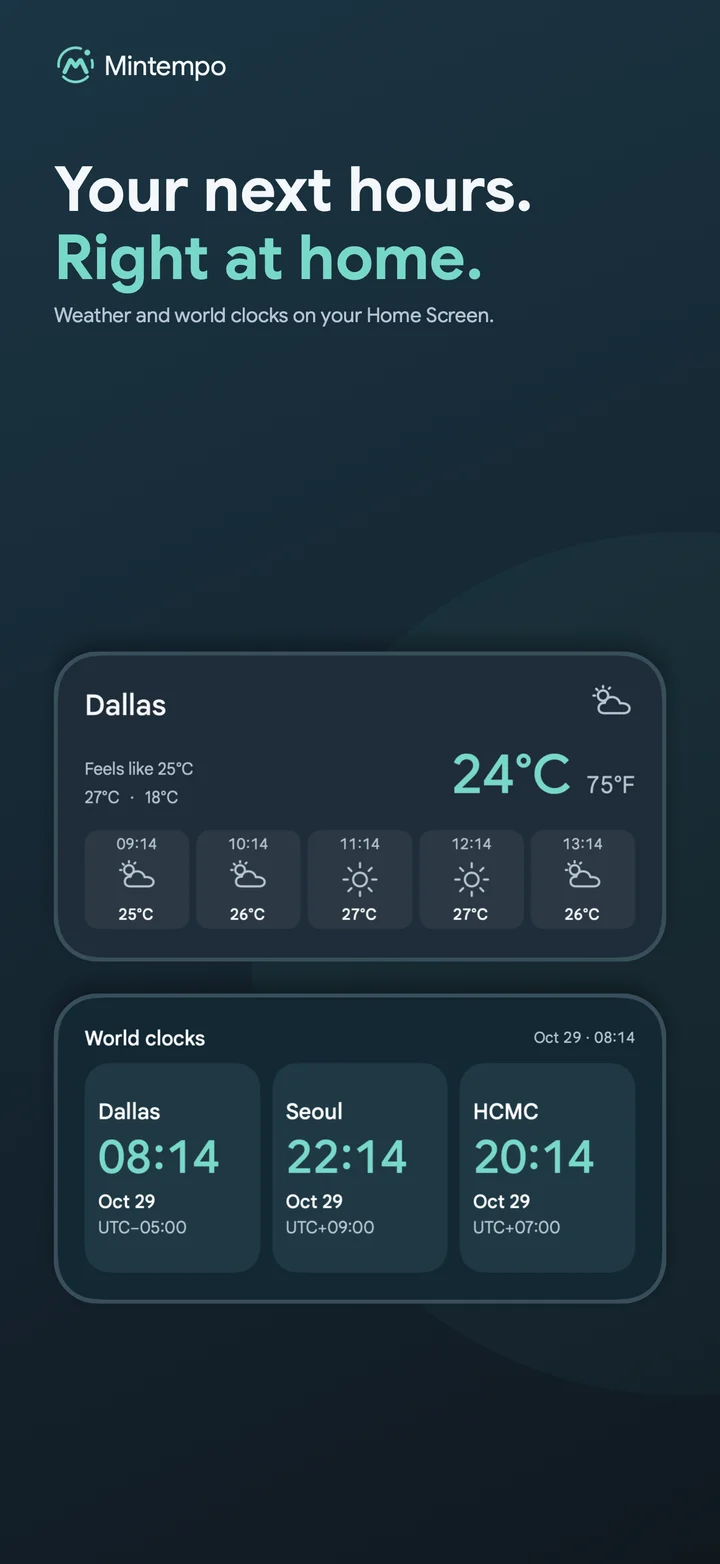
A glance at weather and time, before you open the app.
Swipe to explore the app preview.
Three useful views
Find a place by its region or country, then read Celsius and Fahrenheit from the same weather data.
Save temperature, weight, length, and pressure conversions. Edit, reverse, or remove them whenever you need.
Create clock groups with up to four cities and compare local dates, offsets, and daylight-saving changes.
Native widgets
Choose a saved city, conversion, or clock group for each widget. Tap it to open the matching view in Mintempo.
Made for your places
Each weather widget keeps its own city.
Time in context
Compare saved cities without opening the app.
Choose light, dark, or system appearance.
Use English, Vietnamese, Español, 日本語, 한국어, Português, Русский, 中文, or हिन्दी.
Choose cities manually without GPS permission.
Saved conversions and clocks stay available offline; weather can show cached data.
FAQ
Mintempo is currently in development for iOS and Android. Store availability will be shared when the app is ready for release.
Mintempo supports temperature (°C/°F), weight (kg/lb), length (cm/m/ft/in), and pressure (kPa/bar/psi).
Saved conversions and world clocks remain available offline. Weather can show the latest cached data when a connection is unavailable.
Yes. Native iOS and Android widgets can be configured with a saved city, conversion, or clock group and open the matching view in the app.